
How to Make a Website: A Step-by-Step Guide
How to make a website step by step: domain, hosting, platform, content and getting into Google. A clear guide to building your first site.

A website is no longer something only big companies can afford. A small business, a tradesperson, a clinic or a blogger can have a working site in a few days, on a budget of a few dozen euros a year. The question is not whether you can do it, but where to start and in what order.
This guide shows how to make a website step by step: what you need, which platform to choose, how to get the site online and what to check before you show it to your customers.
In short: 7 steps to a finished website
- Decide what the site is for and which pages it needs.
- Register a domain.
- Choose a platform: WordPress, a website builder or a custom-built site.
- Get hosting.
- Install the platform and choose a theme.
- Write the content and add the main pages.
- Switch on HTTPS, launch the site and submit it to Google.
What you need to make a website
Every website rests on three things. Once you understand the role of each, the rest of the steps are easy.
| Component | What it is | Example |
|---|---|---|
| Domain | The address people use to find you | yourcompany.com |
| Hosting | The server where the site's files and database live | An NVMe server close to your visitors |
| Platform | The system you use to create and edit pages | WordPress, a website builder or custom code |
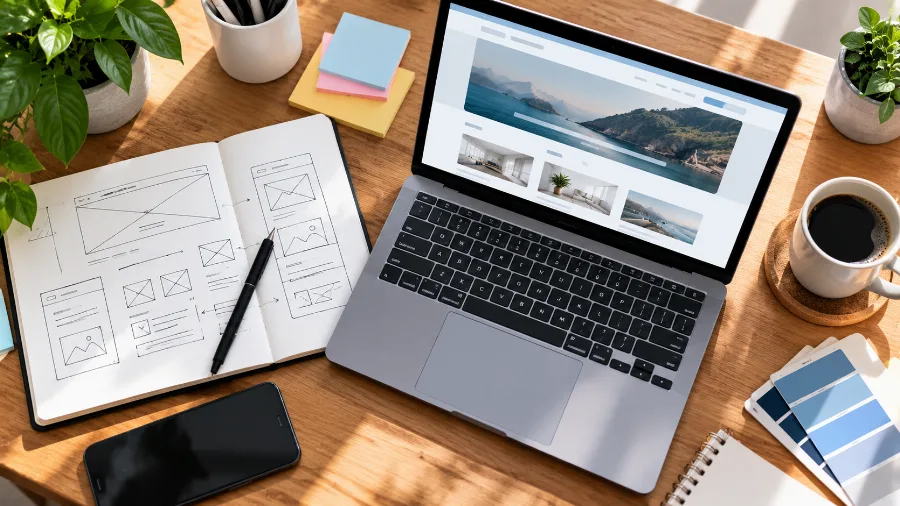
Domain and hosting are paid for separately, but they are usually bought from the same provider so nothing needs to be configured between two companies. WordPress itself is free, while website builders include the platform in a monthly subscription.
Step 1: Decide what the site is for
Before you buy anything, answer one question: what should a visitor do when they reach the site? Call you, send an enquiry, buy a product or read an article. Everything else depends on that answer: how many pages you need, which platform and what kind of hosting.
Most small businesses need five pages:
- Home – who you are and what you offer, with a clear contact button;
- Services or products – one page for each main service;
- About – your team, your experience and why customers should choose you;
- Contact – phone, email, address and a map;
- Privacy policy – required if you collect data through a form.
Write these pages down. That list is your site map, and it will save you a lot of rework later.
Step 2: Register a domain
The domain is your website's name on the internet. It should be short, easy to say over the phone and connected to your business name. For a business with customers in one country, that country's extension is usually best; for an international project, .com or .eu.
Before you decide, check whether the name is available. A .com registration takes minutes.
Step 3: Choose a platform
This is the most important decision, because it determines how much control you have over the site and what it will cost you in the long run.
| Criterion | WordPress | Website builder (Wix, Squarespace) | Custom-built site |
|---|---|---|---|
| Difficulty | Moderate, no coding | Easy, drag and drop | You do nothing yourself |
| Control | Full, the site is yours | Limited to what the platform allows | Full |
| Moving it | To any host | Practically impossible | Depends on the technology |
| Cost | Hosting + domain | Monthly subscription that grows with features | One-off build price + hosting |
| Best for | Company sites, blogs, online shops | A simple site with a few pages | Specific needs and a large budget |

For most people the right choice is WordPress. It runs around 40% of all websites, has thousands of ready-made themes and plugins, and the site stays yours, so you can move it whenever you like. Builders are convenient to start with, but your site is locked into their platform.
Step 4: Get hosting
Hosting decides how fast your site opens and how well it is protected. For a WordPress site, choose WordPress hosting: the server is tuned for it, with caching, current PHP and automatic backups. For a simple site of a few pages without WordPress, shared hosting is enough.
To compare providers in more detail, see how to choose WordPress hosting – it lists the 7 things to check before you order.
Step 5: Install WordPress and choose a theme
With most hosting plans, WordPress installs with one click from the control panel. A minute later you have a working site and an admin login at yourcompany.com/wp-admin.
The theme decides how the site looks. When choosing one, check three things:
- Speed – lightweight themes load faster and rank better in Google;
- Mobile layout – more than half of your visitors will come from a phone;
- Updates – a theme that hasn't been updated for a year is a security risk.
Start with few plugins: a contact form, an SEO plugin and a caching plugin. Every unnecessary plugin slows the site down and adds one more thing to keep updated.
Step 6: Create the content
Design gets attention, but content sells. Write for the customer, not for yourself: what problem you solve, what it costs, how long it takes and how to get in touch.
- Text – short paragraphs, clear headings and one main topic per page;
- Images – real photos of your team and your work, resized to a sensible size and saved as WebP so they load quickly;
- Contact details – phone and email on every page, usually in the header or footer;
- Legal pages – a privacy policy, and a cookie notice if you use Google Analytics or ads.

Step 7: Launch the site and submit it to Google
Before you tell your customers, check three things:
- HTTPS – the site must open over a secure connection. Without an SSL certificate, browsers show a warning and Google treats it as a sign of low trust.
- Phone – open every page on your mobile and test the contact form.
- Speed – run the site through Google's PageSpeed Insights and fix the red items.
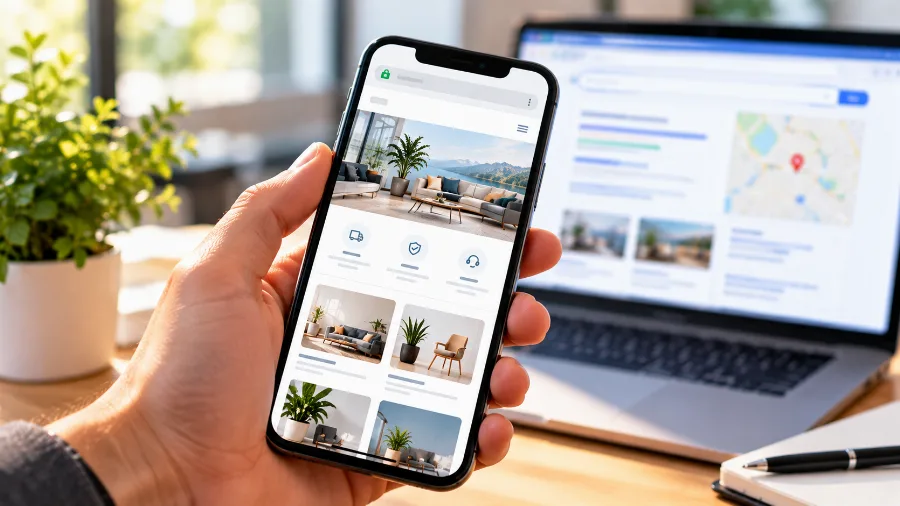
Then add the site to Google Search Console and submit your sitemap. That way Google finds it in days rather than weeks. If you have an office or shop, also create a Google Business Profile so you appear on Maps.
How much it costs to make a website
With WordPress on your own hosting, the main costs are the yearly domain and the monthly hosting. Themes and plugins can be free or a one-off purchase. In the long run this is also the most affordable option, because you don't pay a subscription for every extra feature.
The biggest cost is usually not money but time. A first site built by someone doing it for the first time takes anywhere from a few days to a few weeks, mostly because of the text and photos.
If you'd rather not do it yourself
If you don't have the time, or you want a site built for sales and SEO from day one, leave it to professionals. GETSEO, the agency behind MaxBG, offers website design – from structure and copy to launch.
Frequently asked questions
Can I make a website without coding?
Yes. With WordPress or a website builder you don't write a single line of code. Pages are edited like a document in a word processor, and the theme takes care of the design.
How long does it take to make a website?
The technical part – domain, hosting, installation and theme – takes an afternoon. Most of the time goes into text and photos. A five-page site is usually ready in a few days.
Do I need hosting if I use a website builder?
No. With builders, hosting is included in the subscription. The trade-off is that the site stays on their platform and cannot be moved to another host without rebuilding it.
What must a business website include?
Your company details and a way to contact you, a privacy policy if you collect personal data, and a cookie notice if you use analytics or ads. Without them the site loses trust and, in the EU, falls short of GDPR requirements.
Conclusion
Making a website is within reach of anyone who sets aside a few days. Start with a clear goal and a handful of pages, choose WordPress on good hosting and put your effort into the content. A website is never finished once and for all – keep adding pages and articles as your business grows.
Start with a domain and hosting. Check whether your site name is available and pick a plan that grows with your project.